The Hidden Tech in Your Audi That Most Drivers Don’t Use (But Should)
Modern Audi vehicles are packed with advanced technology, but many drivers never explore the features built into their daily drive. Here are seven underused Audi technologies worth trying today, plus quick tips to activate them.
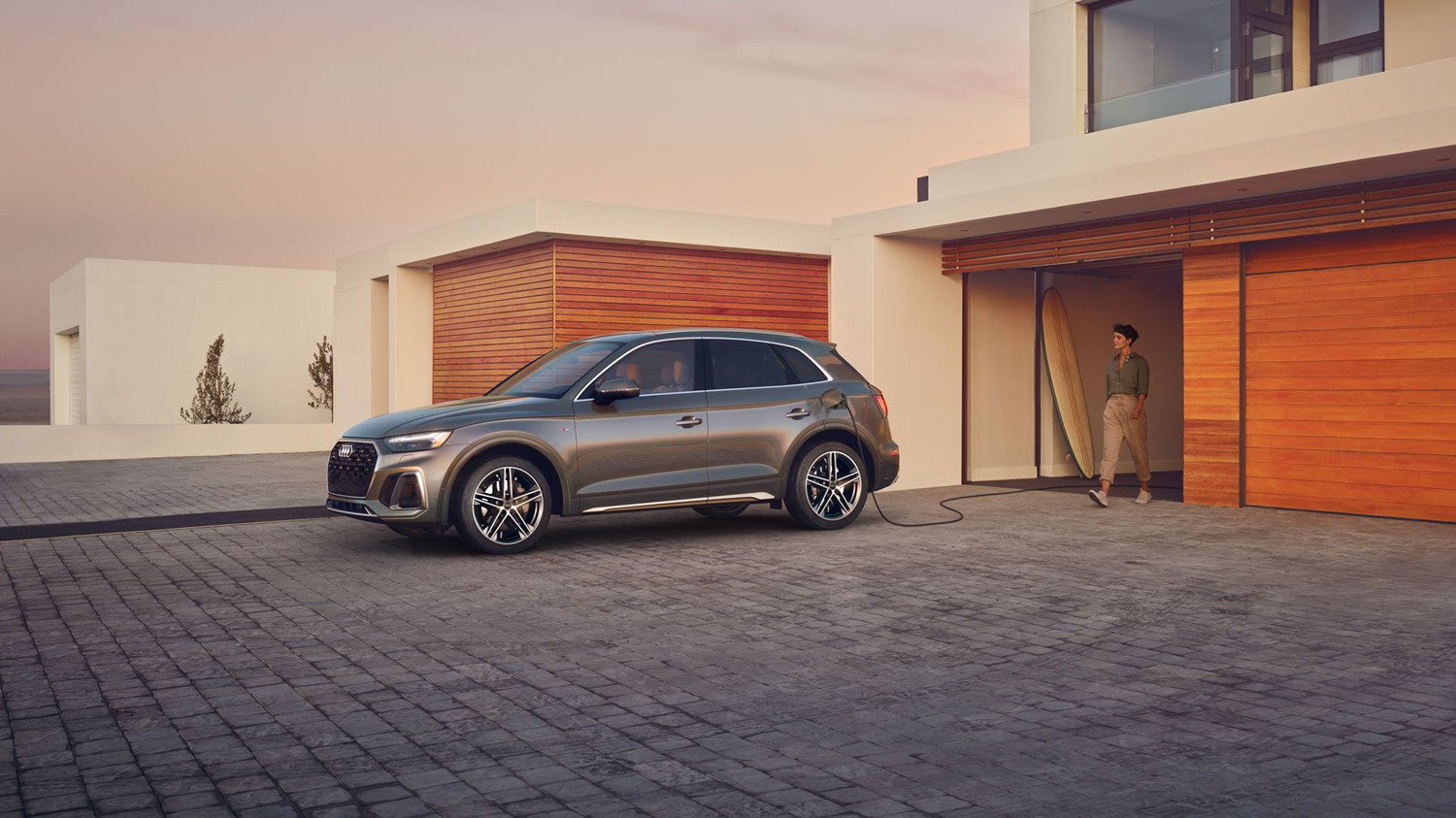
Are You Using Everything Your Audi Offers?
The 2025 Audi lineup is filled with intelligent driver assistance systems, connected features, and performance-enhancing technology. From the Audi Virtual Cockpit to advanced voice control, many of these features are already built into your vehicle.
If you drive a 2025 Audi Q5, A4, e-tron GT, or another current model, you may have capabilities that are sitting unused. Below are seven of the most overlooked Audi technologies, how they work, and simple ways to activate them.
Traffic Sign Recognition
Audi Traffic Sign Recognition uses a forward-facing camera to detect speed limits and other road signs, displaying them in your Audi Virtual Cockpit or head-up display (if equipped). If you miss a sign while driving, the system helps keep you aware of the current speed limit and may also provide warnings if you exceed posted speeds.
Try it: Go into your MMI settings under Driver Assistance and confirm that Traffic Sign Recognition is enabled. On your next drive, watch your display after passing a speed limit sign. The updated limit should appear within seconds.
Natural Voice Commands
Audi voice control makes it easier to adjust settings without taking your hands off the wheel. Instead of memorizing specific phrases, you can speak naturally by using “Hey Audi” to change the temperature, search for directions, call a contact, or control music. It is one of the easiest ways to reduce distractions while driving.
Try it: While parked, activate voice control and say something conversational like “I need coffee” or “Navigate to the nearest gas station.” Your Audi should respond without you needing to scroll through menus.
In-Car Wi-Fi Hotspot
With an Audi connect® PLUS subscription, your Audi can function as a Wi-Fi hotspot for multiple devices. This is especially useful for families, commuters, or passengers who want to stream and browse without relying on their phone’s data plan.
Try it: Go to Settings > Connectivity > Wi-Fi in your MMI system to enable the hotspot. Use the displayed network name and password to connect a device and test the connection.
Audi Digital Key
Available on many newer Audi models, Audi Digital Key allows you to lock, unlock, and start your vehicle using a compatible smartphone. No key fob required. You can also share access with other drivers who have approved devices, which is helpful for families.
Try it: Open the myAudi app and follow the Digital Key setup process. Once paired, you can unlock your Audi with your phone and start the vehicle by placing your phone on the wireless charging pad if equipped.
Parking Assist Plus
Parking Assist Plus helps guide your Audi into parallel or perpendicular spaces using sensors and cameras. The system handles steering while you control the brakes and gear selection. It is especially useful in tight parking lots and busy areas where visibility is limited.
Try it: Press the Park Assist button while driving slowly past open spaces. When the system identifies a spot, follow the on-screen prompts to complete the parking process.
Adaptive Cruise Assist with Lane Centering
Adaptive Cruise Assist takes cruise control to the next level by maintaining a safe following distance and helping keep your Audi centered in its lane. It is ideal for highway driving and stop-and-go traffic, helping reduce fatigue while still requiring your full attention.
Try it: Activate cruise control, then enable lane centering if your model is equipped. Adjust your following distance and allow the system to assist with speed and steering while you remain alert and ready to take control.
Remote Engine Start via the myAudi App
Remote Start is one of the most convenient features for everyday comfort. Using the myAudi app, you can start your vehicle remotely so the cabin can begin heating or cooling before you get inside. Your Audi must be locked, in Park, and located in a safe open area.
Try it: Open the myAudi app, select Remote Start, and wait a few minutes before heading to your vehicle. The climate control system will already be working.
Your 10-Minute Audi Feature Challenge
If you have ten minutes and your Audi nearby, run through this quick checklist:
- Drive past a speed limit sign and watch Traffic Sign Recognition update your display
- Use a natural voice command to find a nearby destination
- Connect a device to your in-car Wi-Fi hotspot
- Unlock your Audi using your phone as a Digital Key
- Let Parking Assist steer you into a parking spot
- Activate Adaptive Cruise Assist on a quiet road
- Start your Audi remotely before heading out
When you explore these built-in features, you get more safety, convenience, and enjoyment from your Audi. If you would like a hands-on walkthrough, visit Audi Great Neck and our team can demonstrate these technologies in your vehicle or during a test drive.